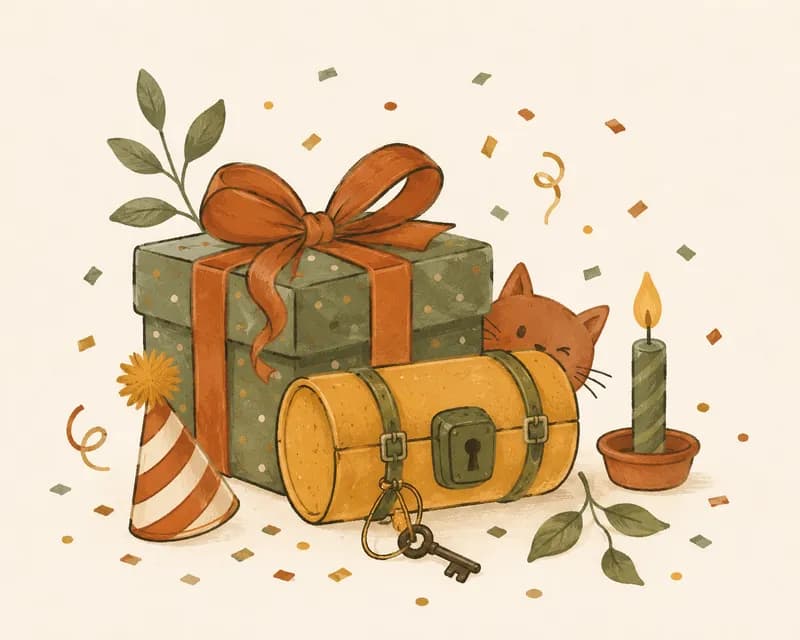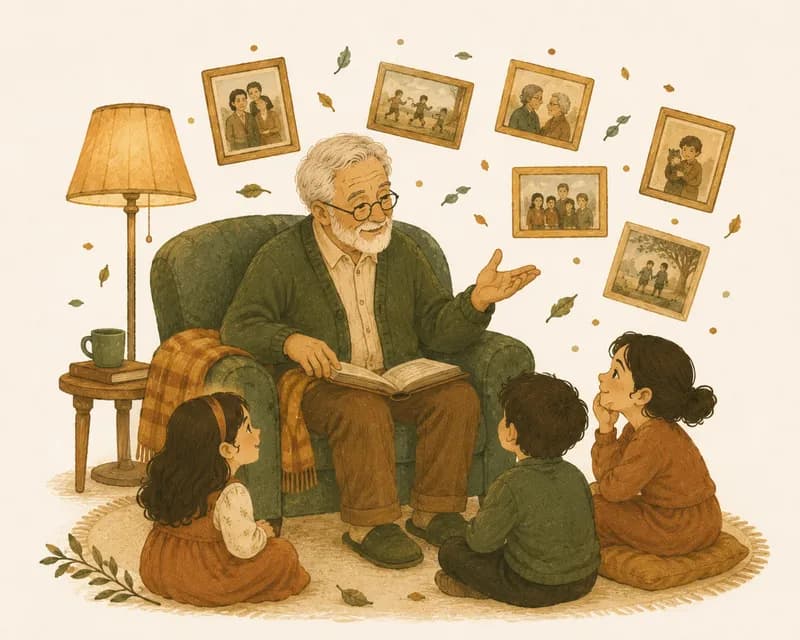

For the whole family
Bring your family's memories into one time capsule
Everyone remembers the same day differently. Bring those photos and stories together, give them a design, and choose a personal time capsule opening.
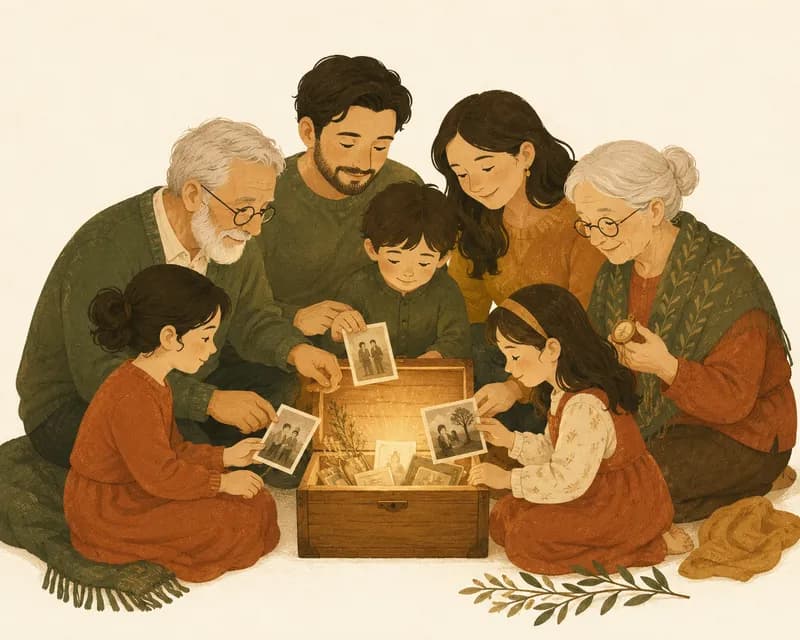
An example to make your own
Imagine a capsule called “Sunday at Grandma's”. One page pairs a photo of the kitchen with the recipe everyone remembers differently. Another holds each person's answer to “What made you laugh today?” Choose the next reunion as its opening date. This is an illustrative idea for your own photos and words.
Create it in three steps
Begin with a small memory everyone can contribute to.
- Start: name your time capsule and choose who it is for. Complete this step to save a draft.
- Memories: add your photos and open a page in Designer to arrange photos and words. Invite helpers with editing access to the relevant section when you want to create together.
- Seal: choose your opening conditions, review the memory, and confirm sealing when everyone has finished.
Choose how it opens
Choose a date and time, a window of time, a password, a question or a quiz. For a reunion, combine the date with a shared password and choose All conditions so both are required. Any condition allows a single condition to open it; Random condition uses a randomly selected condition. Date and window choices share the Date control. Location-based opening is coming soon.
A small family memory checklist
Ask each person for one thing. A small contribution is easier to begin.
- One photo of an ordinary moment.
- A few words about what happened just before the photo.
- A recipe, saying or family joke in your own words.
- One question you would like everyone to answer at the next gathering.
Know the limits
Free includes limited storage and a selection of templates. AI tools require Premium. Keep editing your draft before sealing. Applying a template replaces page content. Review the replacement confirmation when it appears.
Questions before you start
Can relatives help without making it public?
Yes. Choose your audience and invite helpers with editing access to the relevant sections. A recipient or viewer is not automatically an editor.
Can the password open it before the reunion?
With All conditions, the date and password must both be satisfied. With Any condition, the password can be enough on its own.
Can we add another photo later?
You can return to your saved draft and add more before sealing. Finish the contributions before confirming the seal.
Will choosing a template category start that design?
No. Start a capsule, open a page in Designer, then preview and choose an available layout there. The category descriptions on Templates do not apply a layout.
Ready when you are
Start a time capsule to keep and design your memories. Complete the first step to save a draft, then come back to add more before sealing.